"The Update That Changes Everything" — an independent look at Orbit Pro 1.5
Professor Michael G Wagner's third independent Orbit video covers the Orbit Pro 1.5 beta — a cleaner interface, a real video timeline, and a far simpler export. Unsponsored, bought at full price, and honest about what still needs work.
Professor Michael G Wagner has now published his third video about Orbit, this time covering the Orbit Pro 1.5 beta — and it opens with a title we couldn’t have written ourselves: The Update That Changes Everything.
Before anything else, the part that matters most to us: none of his three Orbit videos were sponsored, and he bought his licence at full price. When someone with no stake in the outcome calls the 1.5 updates “outstanding,” that carries a weight no press release can.
Update — August 2026: Orbit Pro’s Eclipsa Audio IAMF exports are now verified live on YouTube, end to end. Files exported from Orbit Pro are accepted, processed, and served by YouTube as Eclipsa Audio — with stereo and 5.1 fallbacks generated automatically from the IAMF, and the full mix structure (ChannelBased and SceneBased elements, Mix Presentations and layouts) preserved exactly as exported. One thing we learned in testing: for a YouTube upload, send the IAMF on its own — YouTube builds the stereo and 5.1 fallbacks from it, and its ingest currently picks a muxed stereo track over the IAMF if both are in the file. (A stereo “compatibility” track is still worth keeping for sharing the file elsewhere; the trade-off is per-file, so keep two exports if you need both.)
What he covered
Michael walks through the ground 1.5 has gained since his first review:
The interface. His words: “much cleaner and quite frankly much more professional looking.” The single crowded screen of 1.0 is gone, replaced by selectable views — an overview, a per-track layout with visualisers and automation lanes, and a dedicated video editing view.
The video timeline. This got most of his attention. Clips, titles, and graphics on a multi-lane timeline, with keyframe automation for position, scale, rotation, and opacity. He describes two workflows he tested: live visuals through the detachable video window, and exporting a finished video with Eclipsa Audio for upload. He was stunned it shipped this fast.
Export. The 1.0 export section drew fair criticism for being convoluted. In 1.5, Michael calls the redesigned flow “very straightforward” — pick a preset, include video if you want it, done.
The honest part
A good review tells you what didn’t work, and Michael’s does. His exported file stalled in YouTube’s processing queue, and playback options for Eclipsa Audio on the desktop remain thin — friction he’s clear sits with the wider ecosystem rather than with Orbit itself.
We’d rather you hear that from him than not at all. Exporting to an open format only matters if the ecosystem around it works, and we dug into the YouTube ingest behaviour he ran into.
Here’s where that landed: this clip was exported straight from Orbit Pro 1.5.3 beta — the YouTube preset, IAMF only — and it went up without a hitch. As the update at the top confirms, YouTube now accepts, processes and serves Orbit’s exports as Eclipsa Audio, end to end.
You can watch or download the render directly, and download the Orbit Pro session (~1.7 GB) to open it in 1.5.3 beta and see exactly how it was built.
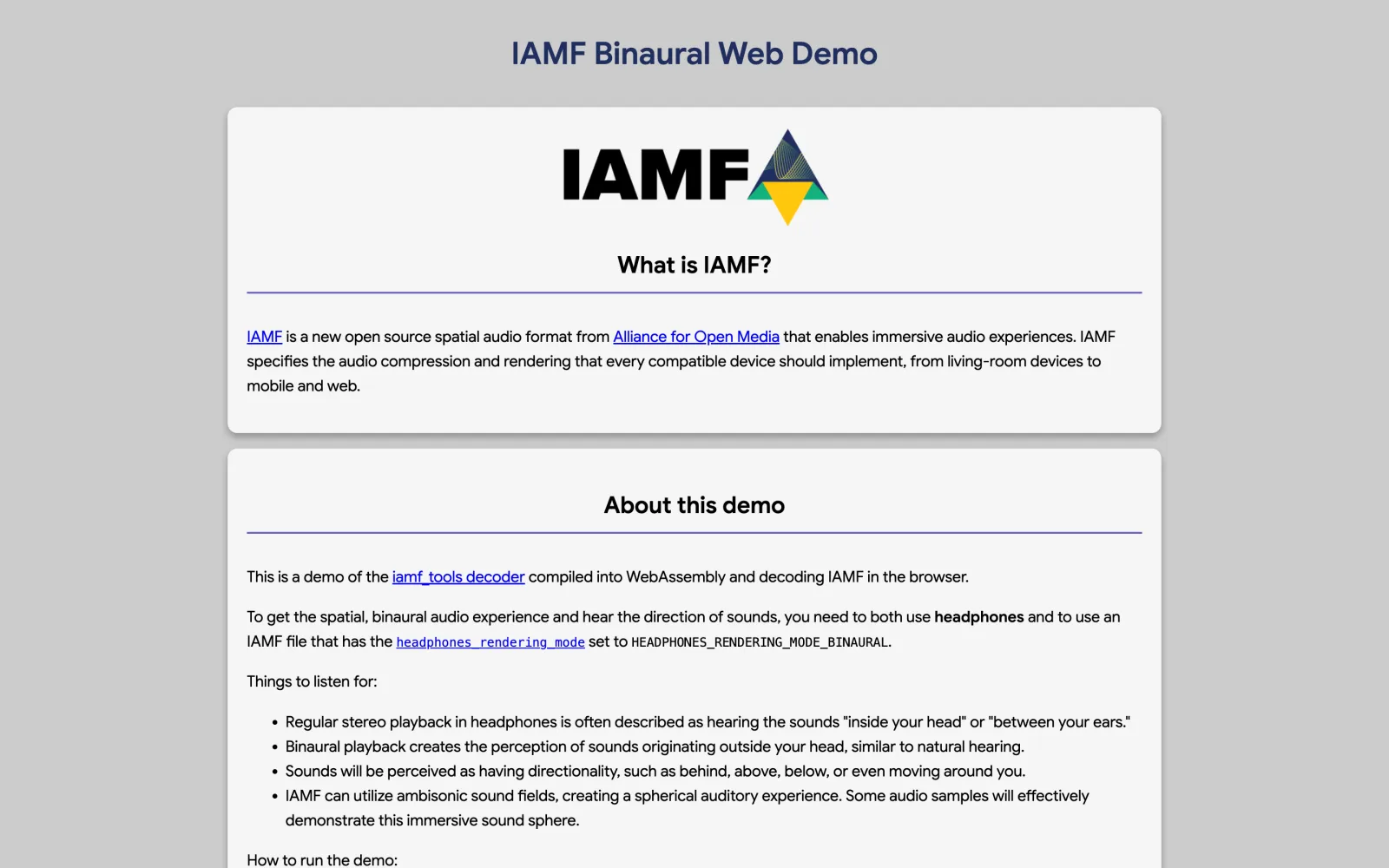
One honest note on hearing it as Eclipsa: the format is new enough that real playback is still limited. In the living room that means an Eclipsa-compatible TV — a supported Samsung or LG — paired with a compatible soundbar. And on the web, nothing plays Eclipsa yet except our own Esfera; the AOM demo below folds a render down to binaural for a headphone check, but that’s verification, not the full speaker array.
That demo is the AOM’s own Binaural Web Demo: it handles both IAMF files and video, so you can drop your exported video straight in and confirm it renders binaurally — no waiting on YouTube. It’s the tool we use ourselves to check our files against the IAMF V1.1 spec: headphones on, and listen.
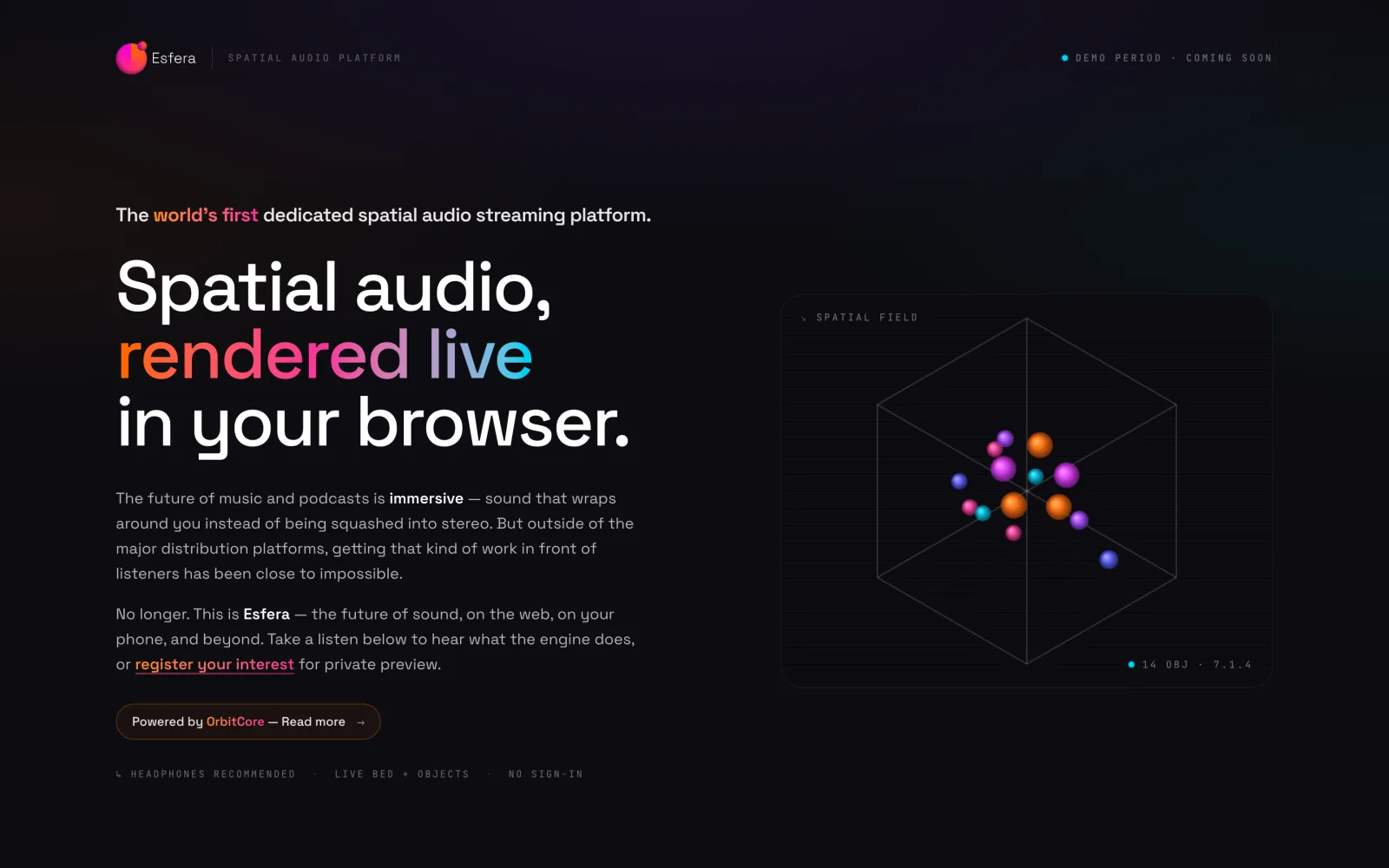
The longer answer is our own: Esfera, our browser renderer, enters public beta in early August — and it leads with IAMF V2. To be straight with you, that spec is still in draft at the AOM; we don’t expect it to change, and we’d rather build toward where the format is heading than where it’s been. Native immersive playback on the web, no plugins or desktop required.
He also raises a thoughtful caution: that the video features shouldn’t grow into a full editing suite. We agree. The timeline exists to get immersive audio delivered with picture — not to replace your editor.
Three videos, one throughline
This is Michael’s third look at Orbit, and the throughline across all three is what makes it land.
His original Orbit review ended on what he called “my first-ever unconditional buy recommendation.”
His Orbit Pro first look landed on “Orbit, as well as Orbit Pro, get a solid recommendation from me.”
And now, on the 1.5 beta: The Update That Changes Everything. Three independent videos, none sponsored — a reviewer following the work as it grows, and standing by it each time.
Why this one matters to us
We started Orbit on a simple belief: immersive audio tools don’t have to be grey, boring, or convoluted. Independent reviews like this one tell us the belief holds up.
1.5 is only the beginning.
Watch the full review on Michael’s channel, and catch his earlier Orbit videos while you’re there. Orbit Pro 1.5 is in beta now — try it free for 14 days at orbitspatial.io/pro.